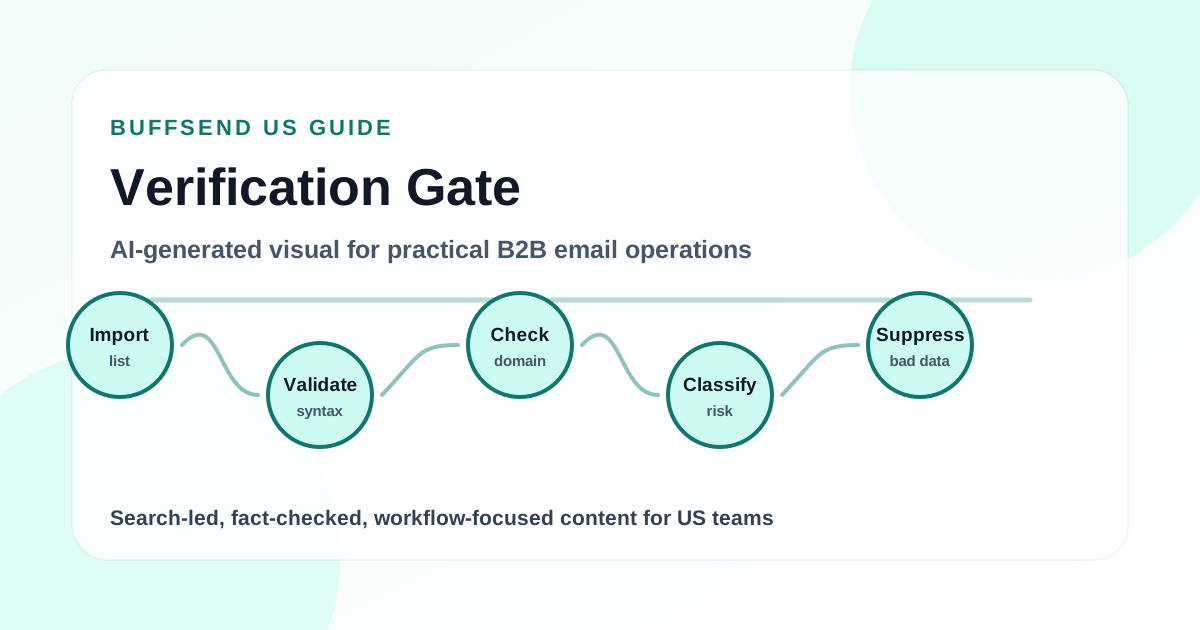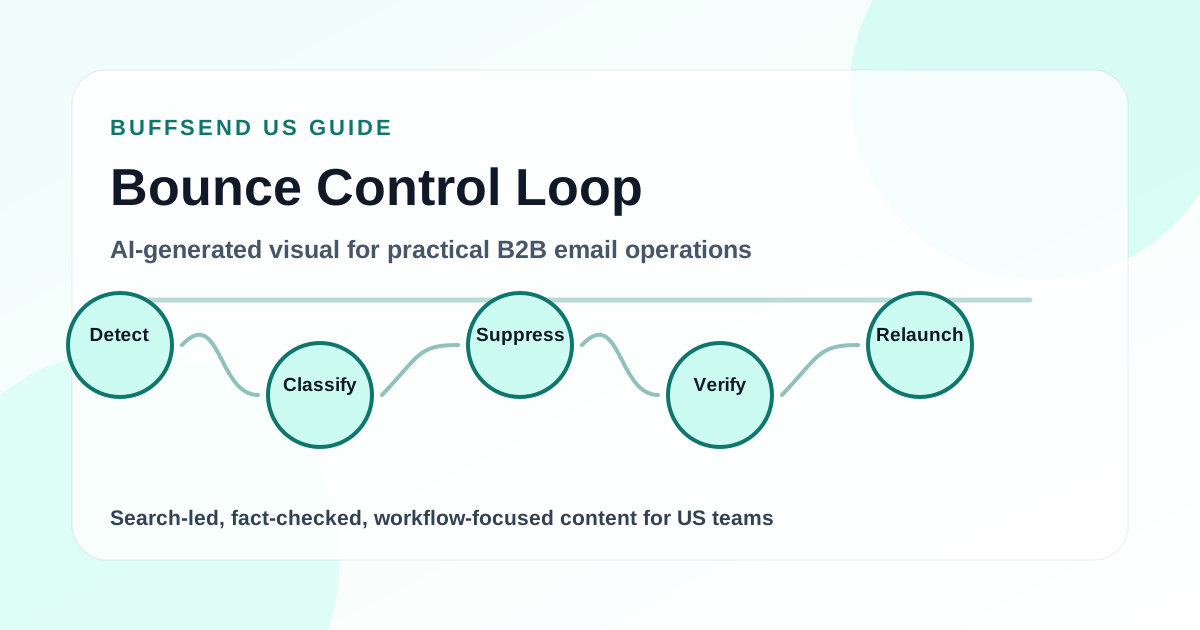
Email verification is the pre-send quality check that keeps bad addresses out of your campaigns before they create hard bounces, delivery errors, and reputation damage. If you send cold outreach, newsletters, product updates, webinar invites, lifecycle emails, or partner campaigns, verification should happen before the first message leaves your sending domain.
This email verification guide explains how to reduce bounces before you send, how verification works, what each result means, which contacts to suppress, and how to build a repeatable launch workflow. It is written for founders, marketers, RevOps teams, agencies, and sales teams that want cleaner email operations without turning every campaign into a technical project.
The short version: verify new and stale lists, remove invalid addresses, quarantine risky statuses, separate catch-all and role-based contacts, suppress previous bounces, keep verification dates attached to every record, then watch bounce rate after launch. Email verification will not guarantee inbox placement by itself, but it removes one of the most preventable reasons campaigns fail: sending to addresses that should never have been mailed.

What Is Email Verification?
Email verification is the process of checking whether an email address is formatted correctly, connected to a valid domain, likely able to receive mail, and safe enough to include in a campaign. A proper verification process looks beyond the shape of the address. It evaluates domain records, mail server behavior, mailbox existence signals, disposable domains, role inboxes, catch-all domains, and other risk indicators.
The goal is practical, not magical. Verification does not prove that a recipient wants your message. It does not guarantee opens, clicks, replies, or inbox placement. It answers a narrower question: is this address technically reasonable to send to, or does it create avoidable delivery risk?
Email Verification vs Email Validation
Email validation and email verification are often used as if they mean the same thing. In campaign operations, it helps to separate them.
Email validation checks the address format
Validation catches obvious syntax issues. It can flag addresses that are missing an @ symbol, have spaces in the wrong place, use an invalid domain shape, or contain characters that do not belong in a normal mailbox address. Validation is useful on forms and imports because it prevents obvious mistakes from entering your database.
Email verification checks delivery risk
Verification goes deeper. It can check whether the domain exists, whether the domain publishes MX records, whether the mail server responds, whether the mailbox appears reachable, and whether the address belongs to a disposable provider, role inbox, or risky domain pattern. Verification is the stronger pre-campaign control because it helps you decide whether to send.
Why Bounces Matter
A bounce means your message was not delivered. Some bounces are temporary. Others are permanent. A few isolated bounces are normal, but repeated or high bounce rates tell inbox providers that your data quality is weak. For cold outreach and high-volume campaigns, that is a serious problem because reputation is built from many small sending signals.
Mailchimp's official bounce documentation explains the difference between hard bounces and soft bounces. The practical takeaway is simple: hard bounces usually deserve suppression, while soft bounces require monitoring and retry rules.
Hard bounces are usually permanent
A hard bounce often means the address does not exist, the domain is invalid, or the recipient server rejected the message permanently. These contacts should usually be removed from future sends immediately.
Soft bounces are usually temporary
A soft bounce can happen because of a full inbox, temporary server problem, message size issue, throttling, or a short-term delivery failure. A single soft bounce does not always mean the address is bad. Repeated soft bounces should trigger suppression or review.

Why Verify Emails Before You Send?
Every email program deals with data decay. People change companies. Domains expire. Inboxes are deleted. Signup forms receive typos. Event lists age. Purchased lists contain traps and recycled records. CRM exports include old contacts that nobody has touched in years. Even a list that was clean last quarter can become risky by the time a new campaign is ready.
Verification before sending gives your team a consistent safety gate. It stops the campaign long enough to ask whether the audience file is healthy, current, and worth sending through your domain.
Reason 1: Reduce Hard Bounces
The most obvious reason to verify emails is to reduce hard bounces. Invalid addresses should not reach your email platform, your campaign queue, or your sales sequence. If a verifier can catch them first, your send has fewer preventable failures.
Lower bounce risk improves the signal around the campaign
When bounces are high, it becomes harder to understand whether poor performance came from the list, offer, subject line, sender, timing, or deliverability. Clean verification makes the rest of your campaign data easier to interpret.
Reason 2: Protect Sender Reputation
Inbox providers evaluate patterns across your sending. They look at authentication, engagement, complaint rates, spam signals, bounce behavior, sending volume, and user interaction. Google's official email sender guidelines emphasize authenticated, wanted, low-abuse mail. Verification supports that standard by keeping obviously bad recipients out of the send.
Verification is not a reputation fix by itself
If your message is irrelevant, your opt-out process is poor, or your domain authentication is broken, verification will not save the campaign. But it does remove one common source of damage: repeated attempts to send to mailboxes that cannot or should not receive the message.
Reason 3: Avoid Wasting Credits and Time
Most email platforms charge by contact count, message volume, verification usage, or some combination of those. Bad addresses waste budget, inflate audience size, and make reports less useful. If your team spends time personalizing emails to invalid contacts, the cost is even higher.
Bad records create hidden operational cost
A bounce is not just a failed email. It can trigger manual cleanup, reporting confusion, sequence errors, account owner questions, CRM noise, and deliverability anxiety. Verification reduces this cleanup burden before it spreads.
Reason 4: Keep Suppression Lists Strong
Verification should feed your suppression process. Invalid addresses, hard bounces, unsubscribes, do-not-contact records, and disposable contacts should not keep re-entering campaigns through new imports. A strong suppression system prevents old mistakes from returning.
Suppression is a long-term asset
Every campaign teaches you something about the list. Store that learning. If an address hard bounced last month, do not pay to verify and send it again this month unless you have corrected the record.
Build Cleaner Campaigns in BuffSend
The Email Verification Workflow That Reduces Bounces
A good workflow is simple enough that your team will actually use it. The best process is not a 40-step checklist that only one person understands. It is a repeatable pre-send gate that keeps bad data out of the campaign and records the decisions made along the way.
Step 1: Define the Exact Campaign Audience
Do not verify a random export and then keep adding contacts after the check. Start with the exact audience you plan to send. That means the right segment, geography, role, lifecycle status, consent state, account tier, and campaign purpose.
Keep source and segment fields attached
When you export the list, preserve source fields such as lead source, list source, signup date, last engagement date, owner, country, company, and role. These fields help you diagnose why bad data entered the campaign in the first place.
Remove contacts that should never be sent
Before verification, remove unsubscribes, do-not-contact records, previous hard bounces, competitors if applicable, customers excluded from the campaign, and any contacts that violate your permission or compliance rules. Verification checks deliverability. It does not grant permission.
Step 2: Normalize the File
Normalize the list before running it through a verifier. Trim spaces, lowercase domains, remove duplicate addresses, split cells that contain more than one email, and confirm the email column contains only email addresses.
Fix spreadsheet errors before blaming the verifier
Many "invalid" results come from messy imports, not bad mailboxes. A trailing comma, a hidden character, a copied display name, or two addresses in one cell can produce avoidable failures. Clean the file first.
Deduplicate by normalized email address
Deduplicate after trimming spaces and lowercasing the domain. Alex@Example.com and alex@example.com should not become two campaign records. Duplicate contacts distort send counts and can create accidental repeat messages.
Step 3: Run Email Verification
Run the final list through a dedicated mailbox-verification provider, then use BuffSend's list hygiene workflow to catch malformed addresses and duplicates. The key is to make verification part of the campaign process instead of a separate cleanup project that happens only after something breaks.
Save the verification timestamp
Attach a verified_at field, tag, or note to each record. Verification has a shelf life. A contact verified this morning is not the same as a contact verified six months ago.
Step 4: Interpret the Results
Different tools use different words, but most verification results fall into a few practical statuses. Your team should decide in advance what each status means for campaign eligibility.
| Status | What It Usually Means | Recommended Action |
|---|---|---|
| Valid | The address appears deliverable and structurally sound. | Send only if the contact is relevant and allowed for this campaign. |
| Invalid | The mailbox or domain likely cannot receive mail. | Suppress immediately. Do not send. |
| Risky | The address has warning signals but is not clearly invalid. | Quarantine or send only in a small test segment. |
| Catch-all | The domain accepts broad mail, so mailbox existence is uncertain. | Segment separately and send slowly if you choose to include it. |
| Role-based | The address belongs to a shared inbox like info@ or sales@. | Review based on campaign context. |
| Disposable | The address uses a temporary or throwaway mailbox provider. | Remove from most business campaigns. |
| Unknown | The verifier could not determine a confident result. | Retry later or isolate in a low-risk batch. |
Step 5: Build Three Launch Buckets
Do not make your campaign manager guess. Convert verification results into clear launch buckets.
Clean bucket
This includes valid contacts that match the campaign audience and comply with your sending rules. This is the main launch segment.
Review bucket
This includes catch-all, role-based, unknown, or risky contacts that may be useful but require caution. Send them later, send them slowly, or review them manually.
Suppress bucket
This includes invalid, disposable, unsubscribed, previous hard bounce, and do-not-contact records. These should be excluded from the campaign and stored in suppression so they do not return later.

How to Handle Risky Verification Results
The hardest part of email verification is not removing invalid addresses. That decision is easy. The harder part is deciding what to do with addresses that are uncertain, technically reachable, or context-dependent.
Invalid Addresses
Invalid addresses should not be sent. Suppress them, keep the reason, and track the source. If the contact is strategically important, fix the address manually through another trusted source before sending.
Do not re-import invalids through another file
If your team imports lists from different systems, the same invalid address can return repeatedly. Suppression must happen at the account or workspace level, not only inside one campaign.
Catch-All Addresses
Catch-all domains accept mail broadly, which makes mailbox-level verification difficult. Some catch-all addresses are real and valuable. Others are dead ends. Treat them as uncertain rather than clean.
Send catch-all contacts separately
If you include catch-all contacts, separate them from the main segment. Use lower volume, slower pacing, and stricter monitoring. If bounce or complaint behavior is poor, stop the segment before it affects the entire campaign.
Role-Based Addresses
Role-based addresses such as info@, sales@, support@, admin@, and hello@ are shared inboxes. They can be appropriate for some campaigns, especially local business outreach, partnership requests, and general inquiries. They are weaker for campaigns that depend on personal relevance.
Use the campaign goal to decide
A role inbox might work for a vendor introduction to a small company. It is usually a poor fit for a personalized enterprise sequence aimed at a specific decision maker.
Disposable Addresses
Disposable email addresses are temporary inboxes often used for anonymous trials, one-time downloads, or low-commitment signups. They usually do not belong in serious sales, lifecycle, or newsletter campaigns.
Remove disposable contacts by default
Unless your product has a clear reason to support disposable inboxes, remove them from campaign audiences. They rarely improve long-term engagement and can distort acquisition quality.
Unknown Results
An unknown result means the verifier did not get enough reliable evidence to classify the address. This can happen because of mail server behavior, timeouts, greylisting, blocked SMTP checks, or temporary network issues. The SMTP protocol itself is defined in RFC 5321, but real-world server behavior varies widely.
Retry unknowns before suppressing them
Retry unknown addresses later. If they remain unknown, decide based on source quality, engagement history, campaign importance, and sender risk. Do not mix a large unknown segment into a new sender launch.
Turn Verification Into a Campaign Gate

Bounce Rate Benchmarks and Warning Signs
There is no universal bounce threshold that applies to every business, list source, country, and campaign type. Still, your team should define internal warning levels. The exact numbers matter less than consistent monitoring and fast response.
A Practical Bounce Rate Framework
| Bounce Rate | Risk Level | What to Do |
|---|---|---|
| Under 1% | Healthy for many campaigns | Keep monitoring. Maintain verification and suppression habits. |
| 1% to 2% | Watch closely | Review list source, stale contacts, and risky statuses. |
| 2% to 5% | Concerning | Pause risky segments, re-verify, and inspect source quality. |
| Above 5% | High risk | Stop the campaign, suppress failures, and audit the acquisition source. |
Separate hard and soft bounces
A combined bounce rate can hide the cause. Track hard bounces separately from soft bounces so your team knows whether the issue is bad addresses, temporary delivery trouble, throttling, or sender reputation.
Warning Sign 1: One Source Creates Most Bounces
If one lead source, event, enrichment vendor, region, or old CRM import creates most bounces, the campaign problem is really a sourcing problem. Tag sources carefully so you can identify this pattern.
Warning Sign 2: Bounces Increase With List Age
Older contacts are more likely to bounce. If a campaign includes records that have not engaged or been verified in months, isolate them. Do not let stale data define the performance of fresh contacts.
Warning Sign 3: A New Sender Gets Bounces Early
New mailboxes and domains have less reputation history. Early bounce problems can make future sending harder. Start new senders with clean, recent, high-confidence contacts.
Google Postmaster Tools can help eligible senders monitor reputation, spam rate, authentication, and delivery errors for traffic to Gmail users. Google explains the available dashboards in its Postmaster Tools dashboard guide.
Email Verification and Deliverability: How They Work Together
Email verification is one part of deliverability. It reduces invalid recipient risk, but deliverability also depends on domain authentication, sender reputation, content quality, recipient engagement, complaint rate, infrastructure, and compliance.
Authentication Still Matters
Before serious campaigns, check SPF, DKIM, and DMARC. SPF authorizes sending sources. DKIM signs messages. DMARC checks alignment and gives receivers a policy. If authentication is broken, a clean list still may not perform well.
Use verification with authentication checks
Pair email verification with tools like the BuffSend SPF Record Checker, DKIM checks, and DMARC checks. A verified list and authenticated domain create a stronger starting point than either one alone.
Compliance Still Matters
A deliverable address is not automatically a compliant address. For U.S. commercial email, the FTC's official CAN-SPAM compliance guide explains requirements around truthful header information, non-deceptive subject lines, clear identification, physical address, opt-out handling, and honoring opt-outs. Other countries and regions have their own rules.
Verification does not replace consent or opt-out handling
Verification tells you whether an address may receive mail. It does not tell you whether the person should receive your campaign. Keep permission, relevance, and suppression logic separate from verification.
Engagement Still Matters
Inbox providers care about user behavior. If recipients ignore, delete, mark as spam, or never engage with your mail, verification alone will not solve the problem. Cleaner lists help, but your message still needs to be useful and relevant.
Verify first, then improve the campaign
Once the list is clean, improve targeting, subject lines, preview text, offer, timing, and follow-up. Verification gives the campaign a fairer test. It does not replace good marketing.

Pre-Send Email Verification Checklist
Use this checklist before every important campaign. It is intentionally practical. The goal is to prevent bad addresses from reaching the send queue.
List Preparation
- Confirm the exact audience for the campaign.
- Remove unsubscribed, do-not-contact, and previous hard-bounce records.
- Deduplicate contacts by normalized email address.
- Preserve source, owner, segment, and last engagement fields.
- Fix spreadsheet formatting errors before verification.
Verification Review
- Verify every new imported list before sending.
- Re-verify stale segments before reuse.
- Suppress invalid and disposable addresses.
- Segment catch-all, unknown, and role-based addresses separately.
- Save the verification date and result on each record.
Campaign Launch Controls
- Send the main campaign only to clean, relevant contacts.
- Use slower pacing for review-bucket contacts if you send them at all.
- Check SPF, DKIM, and DMARC before launch.
- Confirm unsubscribe and suppression logic works.
- Monitor hard bounces, soft bounces, complaints, replies, and unsubscribes after launch.
Example: Reducing Bounces Before a 25,000 Contact Campaign
Imagine a B2B software company preparing a product launch campaign for 25,000 contacts. The audience comes from newsletter subscribers, CRM records, webinar attendees, outbound research, and partner lists. Without verification, the team might upload the full file and hope the platform handles failures. That is the risky version of the campaign.
Before Verification
- 25,000 total contacts in one combined spreadsheet.
- 4,800 contacts older than one year.
- 2,100 contacts from a partner list with unknown collection quality.
- 1,300 duplicate or near-duplicate records.
- No current verification timestamp.
- Previous bounce history stored in a separate platform.
After Verification and Cleanup
- 19,860 valid contacts approved for the main campaign.
- 1,940 invalid addresses suppressed.
- 420 disposable addresses removed.
- 1,120 catch-all contacts moved to a slower review segment.
- 530 role-based contacts routed to manual review.
- 1,130 duplicate records removed before scheduling.
The Better Send Plan
The team sends the launch announcement to the clean segment first. Catch-all contacts receive a slower test send after the main campaign shows healthy bounce behavior. Role-based contacts are reviewed by campaign type. Invalid and disposable contacts are suppressed permanently. The result is not just a lower bounce rate. It is a cleaner report, a safer sender, and a better campaign learning loop.
What this changes operationally
The team can now evaluate subject line, audience, offer, and conversion performance without first explaining a list quality failure. That is the real value of verification. It makes the campaign easier to trust.

Common Email Verification Mistakes
Email verification is simple, but teams still get it wrong when the process is rushed or disconnected from campaign operations.
Mistake 1: Verifying Once and Reusing Forever
A verified list decays. If you verified a list months ago and keep reusing it, you are slowly losing the benefit. Re-verify stale lists before major sends, especially when contacts have not engaged recently.
Set a re-verification rule
For cold outreach, consider re-verifying lists older than 30 to 60 days. For newsletters and lifecycle email, use engagement, inactivity, bounce history, and list age to decide when to re-check.
Mistake 2: Sending to Every Non-Invalid Result
Some teams suppress invalid addresses but send to everything else. That can still create risk if the list contains many catch-all, unknown, disposable, or role-based contacts.
Risky does not mean clean
Risky results deserve separate treatment. They may still be useful, but they should not quietly join the main campaign.
Mistake 3: Ignoring Source Quality
Verification results are not just contact decisions. They are source quality feedback. If a list source produces many invalid, disposable, or unknown addresses, fix the source or stop using it.
Report invalid rate by source
Track invalid rate, bounce rate, reply rate, and unsubscribe rate by source. This gives your team a more accurate view of which acquisition channels create real reachable contacts.
Mistake 4: Treating Verification as Compliance
Verification is not consent. A verified address can still be inappropriate to contact. Keep legal requirements, opt-out handling, permission standards, and relevance checks in the workflow.
Use separate gates
Your launch process should include list quality, compliance, authentication, message relevance, and suppression checks. Verification is one gate, not the whole system.
Email Verification Rules by Campaign Type
Not every campaign needs the same level of verification pressure. The risk depends on list age, relationship strength, source quality, sender maturity, campaign volume, and whether recipients expect to hear from you. A customer product update has a different risk profile than a cold outbound campaign to a newly sourced list. A weekly newsletter to active subscribers is different from a reactivation send to contacts who have been silent for two years.
The safest teams use a common verification standard, then adjust strictness based on campaign risk. This keeps the process consistent without forcing every campaign into the same send rules.
Cold Outreach Campaigns
Cold outreach deserves the strictest verification rules because recipients do not yet have a relationship with the sender. Even if the message is relevant and compliant, a bad list can quickly create negative signals. Verify every address before enrollment, suppress invalid and disposable records, separate catch-all contacts, and review role-based addresses before adding them to sequences.
Recommended rule for cold outreach
Only valid, relevant, recently verified contacts should enter the main sequence. Catch-all and unknown contacts should be sent later, slowly, and with separate reporting. If a new sender is warming up, keep the first campaigns especially clean.
Newsletter Campaigns
Newsletters often include opt-in subscribers, so the relationship is stronger than cold outreach. Still, lists decay. People abandon inboxes, change jobs, and stop engaging. Verification is most important for imported subscribers, old inactive segments, and any audience that has not received mail recently.
Recommended rule for newsletters
Verify imported subscribers before adding them to the main list. Re-verify inactive subscribers before a reactivation campaign. Suppress repeated soft bounces and all hard bounces. Do not let old inactive contacts sit inside the same audience as recent engaged subscribers without a plan.
Product Updates and Customer Emails
Customer emails usually have strong relevance, but they can still bounce if account data is old. Verification should not block urgent transactional or account-related communication, but it should improve list quality for marketing-style product updates, onboarding nudges, and expansion campaigns.
Recommended rule for customer sends
Use bounce history and engagement data first. Verify stale customer contacts before broad product announcements, especially when contacts were imported from older CRM records. Keep account owners aware when key customer contacts appear invalid so they can update the account record.
Event, Webinar, and Partner Lists
Event and partner lists can perform well, but source quality varies. Some contacts typed their own information. Others were scanned, enriched, uploaded by partners, or copied from old systems. These lists should always be verified before the first send.
Recommended rule for event lists
Verify before import, segment by event or partner source, and monitor bounce and unsubscribe behavior separately. If one partner source produces poor quality, do not mix it into your main database without review.
Reactivation Campaigns
Reactivation campaigns are risky because they target people who have not engaged recently. Some addresses may be abandoned. Some recipients may no longer remember the sender. Some domains may have changed. Verification is mandatory here, but it should be paired with careful messaging and low sending volume.
Recommended rule for reactivation
Verify first, send slowly, use a clear reason for contact, and remove anyone who bounces, complains, or remains inactive after the reactivation attempt. Do not keep repeatedly mailing inactive contacts just because the address still verifies as deliverable.
| Campaign Type | Verification Strictness | Main Rule |
|---|---|---|
| Cold outreach | Very high | Verify every contact before enrollment. |
| Newsletter | Medium to high | Verify imports and inactive segments. |
| Customer updates | Medium | Use bounce history, then verify stale records. |
| Event or partner list | High | Verify before first send and report by source. |
| Reactivation | Very high | Verify, send slowly, and remove non-engagers. |
Add Verification to Every Campaign
FAQ: Email Verification and Bounce Reduction
What is email verification?
Email verification checks whether an email address is formatted correctly, connected to a valid domain, and likely able to receive mail. It helps teams reduce invalid-address risk before sending campaigns.
Does email verification reduce bounces?
Yes, email verification can reduce preventable hard bounces by catching invalid, disposable, and risky addresses before a campaign is sent. It does not eliminate every bounce because temporary delivery issues can still happen.
When should I verify an email list?
Verify every new imported list, every stale segment, and every high-risk audience before sending. For cold outreach, re-verify more often because job changes and data decay affect B2B contacts quickly.
What should I do with invalid emails?
Suppress invalid emails immediately and store the reason so they do not re-enter future campaigns through another import.
Should I send to catch-all emails?
Only with caution. Catch-all addresses can be real, but mailbox existence is uncertain. Segment them separately, send slowly, and monitor bounce behavior before scaling.
Are role-based emails safe to send?
It depends on the campaign. A role inbox can be acceptable for some general business outreach, but it is usually weaker for personalized sales campaigns. Review role-based addresses based on context.
Can email verification find spam traps?
Some tools may flag known risky patterns, but no verifier can guarantee every spam trap is found. Ethical list collection, source quality, engagement monitoring, and suppression discipline are still required.
Is email verification enough for deliverability?
No. Verification supports deliverability by reducing invalid-address risk, but authentication, reputation, content, engagement, complaints, volume, and compliance also matter.

Final Recommendation
Use email verification as a mandatory pre-send gate. Verify new lists before import, re-verify stale segments before reuse, suppress invalid and disposable addresses, separate catch-all and role-based contacts, record the verification date, and monitor bounces after launch. Then pair that workflow with strong authentication, clear opt-outs, relevant messaging, and careful sender pacing.
Reducing bounces is not just about protecting a metric. It protects the sender reputation behind your campaigns, improves the quality of your reports, and helps your team spend time on real prospects instead of cleaning up preventable failures.
The healthiest email programs do not wait for bounce reports to reveal bad data. They check the list before they send.