
Email Bounce Rate: What US Sales Teams Should Track Before Scaling
A practical bounce-rate guide for US sales teams, covering hard bounces, soft bounces, stale data, suppression, verification, and when to pause campaign volume.
This guide is written for US sales ops, SDR managers, founders, agencies, and RevOps teams monitoring outbound campaigns. It is intentionally focused on the United States because US teams face a specific combination of CAN-SPAM obligations, Gmail and Yahoo sender requirements, Microsoft consumer-mail enforcement, Apple privacy effects on open tracking, and high expectations from B2B recipients who can report unwanted mail instantly.
The practical answer is simple: do not treat cold email, list building, verification, deliverability, and analytics as separate activities. A US B2B campaign is safest when the list, sender identity, message, unsubscribe path, and reporting loop are checked together before volume increases.
Why this matters for US buyers
US buyers searching for this topic are usually not browsing casually. They are trying to solve a real campaign problem: understand the rule, diagnose a delivery issue, compare a tool, clean a list, or decide whether it is safe to send. This guide keeps the answer practical so you can move from research to a better operating decision.
The best use of this page is to treat it as a decision checklist. If you are evaluating BuffSend, compare your current process with the controls a serious email operation needs: verified data, authenticated senders, clear messaging, suppression handling, and measurement that shows whether email is creating revenue safely.
Search intent summary
Teams see bounces in a campaign report and need to know what is normal, what is dangerous, and what to fix before scaling.
The target US query family for this page is:
- email bounce rate
- reduce bounce rate cold email
- hard bounce rate sales email
- B2B list hygiene
Fact-check sources used
The factual claims in this article are anchored to primary or high-quality sources checked on June 5, 2026. The main source categories are mailbox-provider rules, US commercial email law, privacy behavior that affects measurement, and email benchmark research. Provider pages change over time, so the links should be rechecked whenever the article is materially updated.
- Google advises senders to monitor server responses, spam rate, and domain reputation as volume increases; see Google email sender guidelines.
- Microsoft NDR guidance shows authentication and alignment failures can trigger blocked mail for high-volume senders; see Microsoft Outlook high-volume sender requirements.
- Yahoo sender best practices emphasize low complaint rates, valid DNS, authentication, and sending wanted mail; see Yahoo Sender Hub best practices.
- Mailgun frames deliverability as a mix of infrastructure, authentication, reputation management, and strategic operations; see Sinch Mailgun 2026 Email Impact Report.
The short answer for US teams
If you only remember one thing from this article, remember this: every email campaign is a chain of trust. The chain starts with the contact source, continues through verification and authentication, shows up in the message itself, and ends in the recipient's response. When one link is weak, the campaign becomes harder to deliver, harder to defend, and harder to measure.
That is why a focused workflow beats a pile of tips. A team that checks the sender, verifies the list, writes clear copy, includes opt-out handling where required, and monitors provider-specific signals can learn from every send. A team that simply adds more contacts or more mailboxes often scales the original problem.
US businesses also need to separate legality from deliverability. A message can satisfy a legal checklist and still land in spam if recipients do not want it, if the sender has weak reputation, or if the list is stale. The inverse is also true: a message can appear deliverable during a small test and still create compliance or trust risk if identity, subject lines, opt-out handling, or suppression logic are sloppy.
Operational workflow
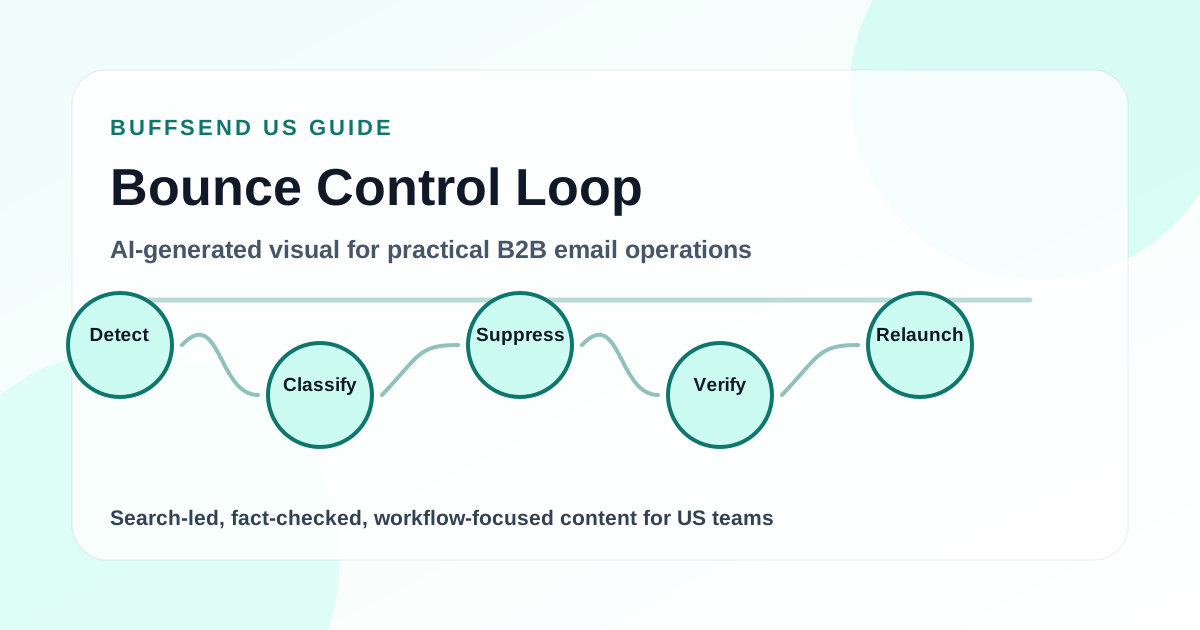
Separate hard and soft bounces
A hard bounce usually means the address or domain cannot receive the message. A soft bounce may be temporary, caused by rate limits, mailbox issues, content filtering, or provider-side throttling. Treat them differently.
Read bounce reasons, not just counts
Bounce categories reveal whether the issue is invalid recipients, authentication, throttling, policy rejection, mailbox full, or provider-specific blocking. A single bounce-rate average hides important patterns.
Suppress confirmed bad addresses
Do not keep sending to hard-bounced contacts. Update contact status and suppression lists so future sequence steps and future campaigns do not repeat the same mistake.
Analyze by data source and domain
If one provider, list source, role type, or company segment bounces more than others, isolate it. The fix may be removing one imported source rather than rewriting the whole campaign.
Set a pause rule
Create an internal rule for when to pause a campaign. A sudden bounce spike, provider-specific rejection pattern, or authentication-related bounce should stop scaling until the cause is understood.
How to make the article actionable inside the team
Assign one owner for the pre-send checklist. In a small team, that might be the founder or sales lead. In a larger team, it might be RevOps, marketing operations, or sales operations. The owner does not need to write every email, but they should control the launch gate. No campaign should go live until sender setup, list state, compliance basics, and measurement tags are confirmed.
Create a campaign brief for each send. The brief should include the business goal, audience segment, source list, verification date, sender domain, message version, unsubscribe path, expected volume, and stop conditions. This keeps a growing outbound program from turning into guesswork.
Use provider-specific learning. Gmail, Microsoft, Yahoo, and corporate gateways can behave differently. A campaign average can hide the fact that one provider is rejecting mail, one segment is bouncing, or one list source is generating complaints. Segment-level reporting is more useful than a single blended open rate.
How BuffSend helps buyers act on this
BuffSend is built for teams that want this guidance to become a working process, not another checklist that gets forgotten. The platform helps you check the sender, verify the list, segment risk, write a clearer message, launch carefully, and monitor outcomes from the same campaign workflow.
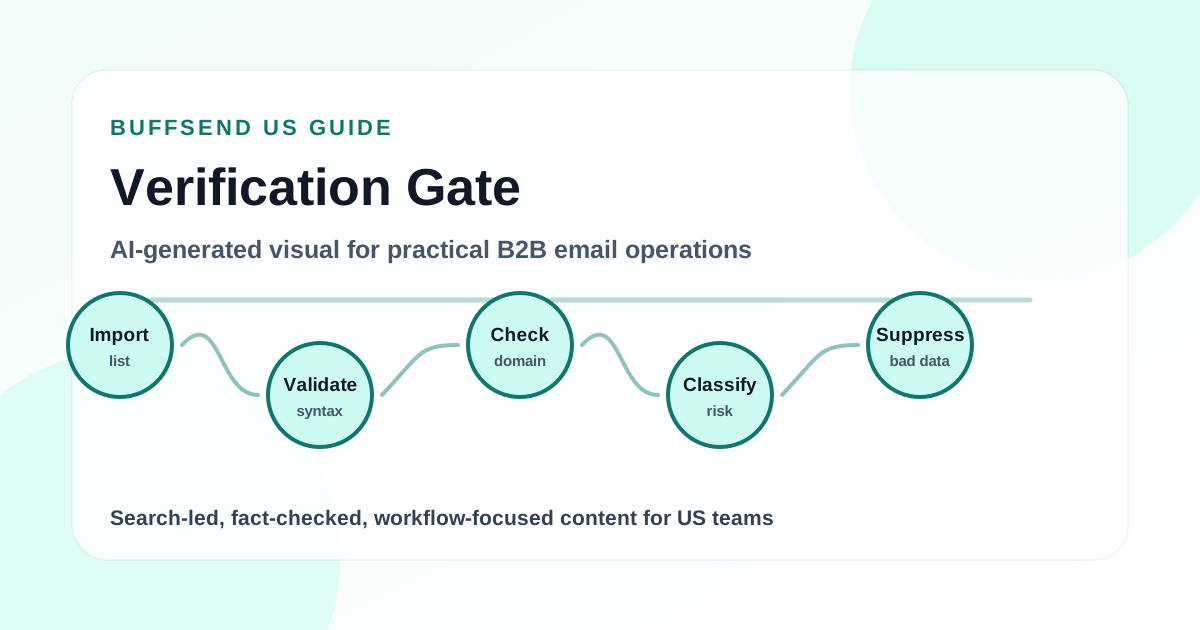
For a production workflow, add this checklist to the campaign launch process. First, verify contact records and remove invalid or suppressed addresses. Second, confirm SPF, DKIM, and DMARC for the sending domain. Third, review copy for clarity, truthfulness, and risky content. Fourth, send a smaller pilot segment before scaling. Fifth, monitor bounces, unsubscribes, negative replies, and provider-specific performance instead of looking only at opens.
Buyer questions to ask before you scale
Before you choose a tool or approve a larger send, ask three buyer-facing questions. First, will this workflow reduce the amount of bad data your team handles, or will it only make sending faster? Faster sending without cleaner data usually increases bounce, complaint, and compliance risk. Second, can the workflow show where performance changes by list source, mailbox, buyer persona, and recipient domain? A useful platform should help you see whether the problem is the audience, the sender, the message, or the provider environment.
Third, does the process make it easy to pause? A buyer-friendly outbound system should not trap you into continuing a campaign when bounces, negative replies, or unsubscribes rise. The practical standard is simple: you should be able to verify the list, review the sender, adjust the message, suppress risky contacts, and restart with a smaller segment before you spend more budget or expose the domain to more risk.
Mistakes to avoid
- Treating all bounces as temporary because a few retries might work.
- Failing to update suppression lists after a hard bounce.
- Looking only at campaign-level bounce rate instead of segment and source-level patterns.
- Continuing sequence follow-ups to contacts whose first step bounced.
- Assuming bounce rate is only a list problem when authentication or throttling may be involved.
Pre-launch checklist
- Confirm the buyer problem and campaign goal before adding contacts.
- Recheck compliance and provider requirements before changing launch rules.
- Keep the article tied to one BuffSend workflow and one primary CTA.
- Verify sender authentication and list quality before recommending scale.
- Measure replies, bounces, complaints, unsubscribes, and revenue outcomes after launch.
Measurement after launch
After a campaign launches, the first report should not be a celebration of send volume. The first report should answer whether the campaign behaved safely. Look at delivered messages, hard bounces, soft bounces, unsubscribes, spam complaints where available, negative replies, positive replies, meetings, conversions, and provider-specific performance. Then compare those outcomes to the source list and message version.
Do not make major decisions from one metric. Opens can be useful directionally, but privacy protections and security scanners can change what an open means. Replies can be stronger, but replies need quality labels. Clicks can indicate interest, but bots and link scanners can distort them. Revenue and qualified pipeline matter most, but they may arrive later. The best dashboard shows early risk signals and downstream business outcomes together.
When the numbers look bad, pause before scaling. A deliverability problem usually gets more expensive as volume increases. The team should inspect list source, verification status, authentication, content, sender volume, recipient provider, and suppression behavior before adding more contacts or mailboxes.
US buyer operating model
Keep this workflow tied to US market behavior. A US prospecting campaign often reaches a mix of personal Gmail addresses, company Google Workspace inboxes, Microsoft 365 business inboxes, Outlook.com or Hotmail addresses, Yahoo-managed addresses, and corporate security gateways. Those environments do not evaluate mail in exactly the same way. That is why the campaign owner should review performance by recipient domain family, contact source, persona, sender mailbox, and message version rather than relying on one blended campaign average.
Use a simple review cadence. Before launch, confirm the legal and deliverability checklist. During the first send window, watch bounces, provider-specific failures, negative replies, unsubscribes, and any signs of rate limiting. After the first meaningful sample, decide whether to scale, hold, rewrite, re-segment, or suppress. After the campaign closes, write down what changed: which source list performed best, which persona responded, which sender had trouble, which domain family created friction, and which call to action created qualified pipeline.
Once this workflow is in place, review performance by buyer segment rather than by campaign average. A founder, agency owner, sales leader, recruiter, and RevOps operator may all respond differently to the same message. Segment-level learning tells you which buyers are worth more investment and which segments should be paused or rewritten.
Update the workflow when mailbox-provider requirements change, when your sending volume changes materially, when your buyer segment shifts, or when support and sales teams hear the same objection repeatedly. The goal is to keep the buyer journey accurate, compliant, and useful before more volume goes out.
FAQ
What is a hard bounce?
A hard bounce is a failed delivery that usually indicates the address, domain, or recipient path is invalid or permanently unavailable. Confirmed hard bounces should be suppressed from future sends.
What is a soft bounce?
A soft bounce is a temporary or conditional failure. It can come from throttling, mailbox limits, temporary server issues, or filtering. Repeated soft bounces can become operationally risky and need investigation.
When should a sales team pause a campaign?
Pause when bounces spike suddenly, one recipient provider starts rejecting mail, authentication-related errors appear, or a data source performs materially worse than the rest of the list.
How does verification reduce bounce risk?
Verification catches malformed, invalid, risky, disposable, or domain-problem addresses before sending. It does not eliminate all risk, but it reduces avoidable failures and improves campaign hygiene.
Final recommendation
Use BuffSend to verify lists, track bounced contacts, update suppression, and stop bad data before the next step sends.
A focused US email program should be boring in the right places: accurate identity, clean data, verified addresses, authenticated domains, clear copy, compliant unsubscribe handling, cautious volume, and honest measurement. The creative work belongs in relevance and positioning. The operational work belongs in making sure the sender earns trust before asking for attention.