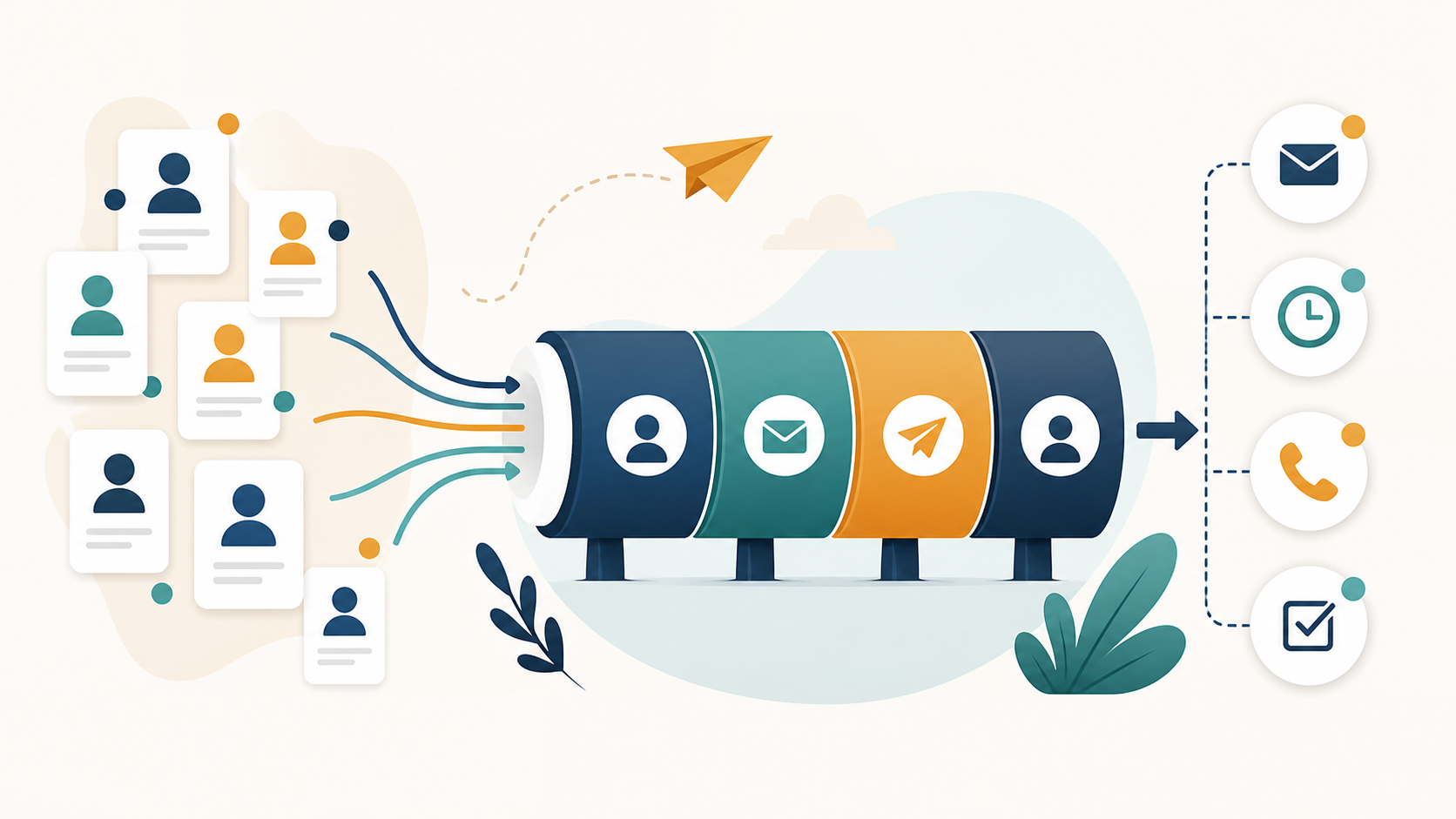
A practical comparison for US B2B teams deciding when to find contacts, when to verify emails, and how to connect both before launching outreach.
This guide is written for US B2B sales teams, agencies, founders, recruiters, and RevOps teams choosing prospecting and verification workflows. It is intentionally focused on the United States because US teams face a specific combination of CAN-SPAM obligations, Gmail and Yahoo sender requirements, Microsoft consumer-mail enforcement, Apple privacy effects on open tracking, and high expectations from B2B recipients who can report unwanted mail instantly.
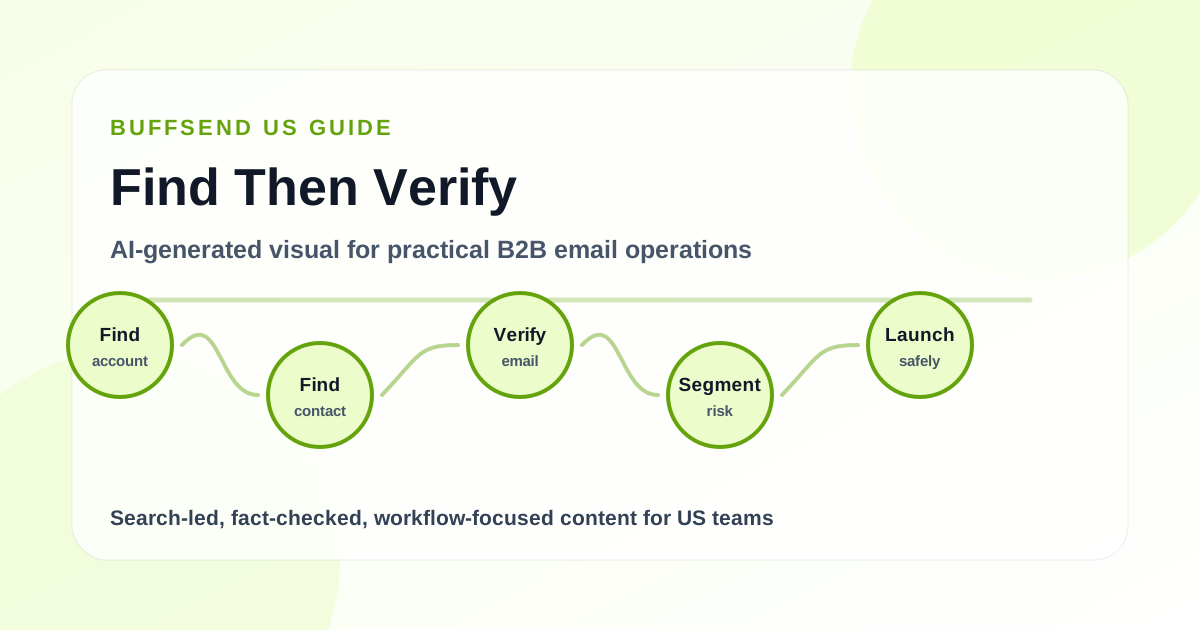
Buyer decision summary
B2B buyers comparing tools need to know whether the next bottleneck is finding more contacts, cleaning existing data, or creating a safer workflow that does both.
Common buyer questions this guide answers:
- Should we use a contact finder or email verification first?
- How do prospecting and verification work together?
- Which contacts should be sent, tested, suppressed, or enriched?
- What tool workflow reduces bad-data risk before outreach?
Sources to verify
- Yahoo warns against purchased mailing lists and emphasizes wanted mail, which makes data source quality important before verification; see Yahoo Sender Hub best practices.
- Google recommends starting with lower volume to engaged users and monitoring reputation as volume grows, which supports a verify-before-scale workflow; see Google email sender guidelines.
- CAN-SPAM applies to US commercial B2B email, so finding and verifying contacts must still lead into truthful messaging and opt-out handling; see FTC CAN-SPAM compliance guide.
- Mailgun's 2026 report highlights deliverability as a strategic mix of infrastructure, authentication, reputation, and operations, not a one-tool problem; see Sinch Mailgun 2026 Email Impact Report.
Operational workflow
Use contact finding to answer who
A contact finder helps identify people and companies that may match your ICP. It should answer who owns the problem, what role they play, and how the account fits the campaign.
Use verification to answer sendability
Email verification evaluates whether an address appears structurally and technically sendable. It does not prove the person wants the message, but it helps prevent avoidable bounces.
Connect both with data confidence
The best workflow does not choose one tool in isolation. It attaches source, role, company fit, verification status, risk class, and suppression status to each record before campaign enrollment.
Decide what comes first by list maturity
If you have no accounts, start with ICP and contact finding. If you already have a list, verify and clean it before adding more contacts. If bounce rates are rising, stop finding and fix hygiene first.
Turn tool output into campaign rules
Create enrollment rules: verified executive contacts in target accounts can enter the primary sequence; catch-all or lower-confidence records get a smaller test; invalid and suppressed contacts never send.
Mistakes to avoid
- Buying more contact data when the current list is already bouncing.
- Treating verification as proof that the recipient is a good fit.
- Letting contact source disappear after import, which makes quality impossible to measure.
- Sending to found contacts before suppressing previous unsubscribes and bounces.
- Comparing tools by database size instead of usable, verified, relevant contacts.
Pre-launch checklist
- Confirm the buyer problem and campaign goal before adding contacts.
- Recheck compliance and provider requirements before changing launch rules.
- Keep the campaign tied to one business goal and one clear next step.
- Verify sender authentication and list quality before recommending scale.
- Measure replies, bounces, complaints, unsubscribes, and revenue outcomes after launch.
FAQ
Which should come first: contact finder or email verification?
If you do not have target accounts or contacts, contact finding comes first. If you already have a list, verification comes first before sending. In a mature workflow, every found contact is verified before campaign enrollment.
Can an email verifier replace a contact finder?
No. A verifier checks an address; it does not decide whether the person is the right buyer. Contact finding, enrichment, segmentation, and verification solve different parts of the workflow.
Can a contact finder replace email verification?
No. A contact finder may return likely addresses, but those addresses can be stale, risky, catch-all, or invalid. Verification reduces avoidable bounce risk before outreach.
How does BuffSend combine both workflows?
BuffSend supports contact and company management, enrichment workflows, verification, tagging, segmentation, and campaign execution so data quality decisions carry into sending decisions.
Final recommendation
Use BuffSend to find contacts, enrich records, verify email addresses, and keep campaign enrollment tied to data confidence.