
A lean sales team does not need another disconnected inbox, spreadsheet, or dashboard. It needs a dependable way to decide who should be contacted, send a relevant message, stop follow-ups when someone replies, and turn a good conversation into a next task. That is the job of an email outreach CRM.
This guide compares ten common approaches for small B2B teams. The best choice depends on your sales motion, list source, sender setup, reporting needs, and tolerance for administration. Use the comparison as a buying framework, then confirm current features, limits, pricing, and data-use terms with each vendor before you commit.
Quick answer
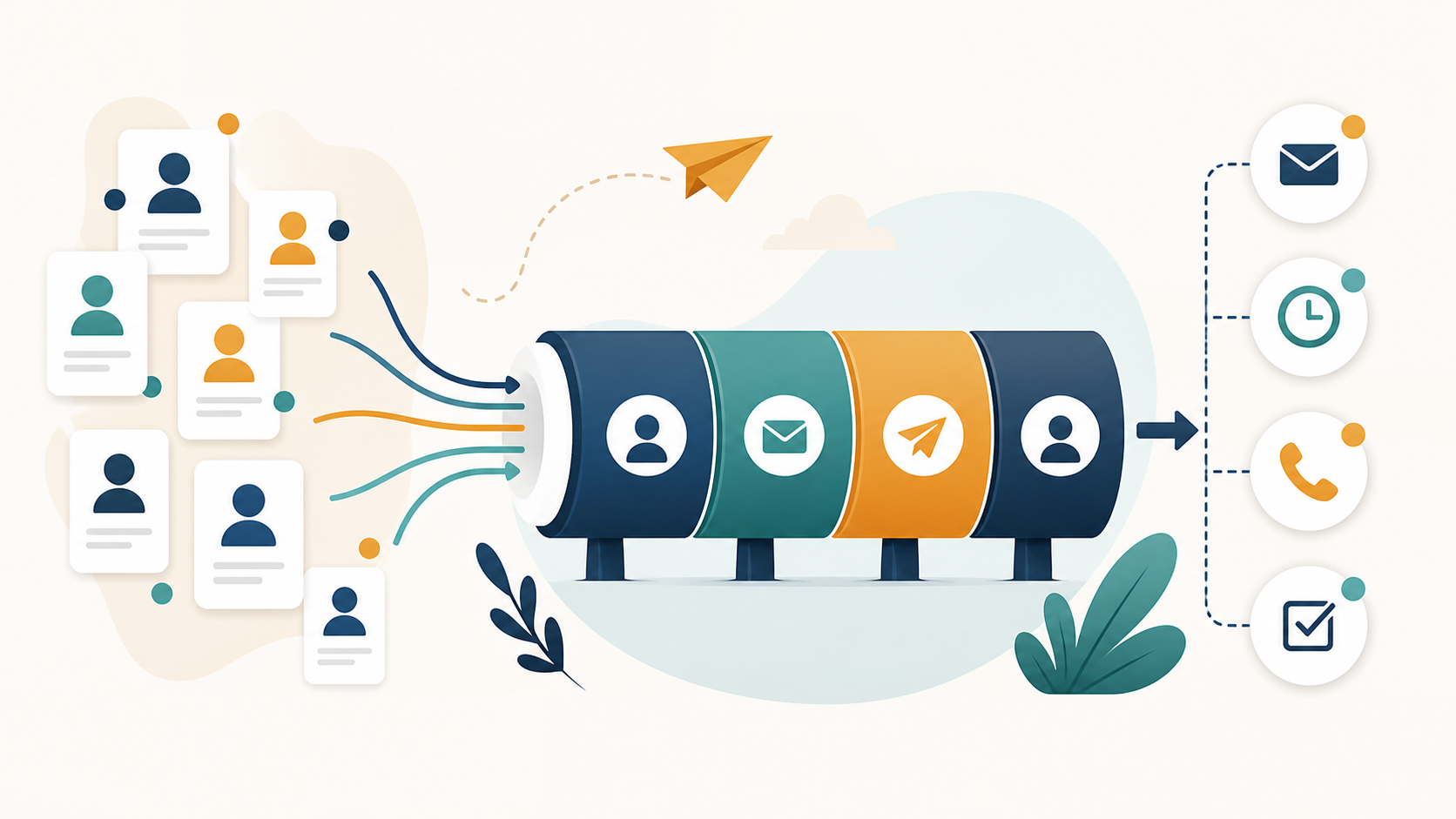
The best email outreach CRM for a lean team is the one that keeps prospect context, sending activity, replies, and follow-up ownership together without forcing the team to maintain an enterprise system. A small team should prioritize clean contact records, reliable sender controls, reply-aware automation, simple pipeline stages, and reports that lead to a decision.
What makes an email outreach CRM different?
A traditional CRM is usually organized around accounts, opportunities, and revenue stages. An outreach CRM starts earlier. It helps the team prepare a list, choose a sender, enroll contacts in a sequence, record what happened, and decide what to do next. The boundary matters because most outbound work fails before a formal opportunity exists.
The right system should answer five questions without a manual spreadsheet audit:
- Which person and company are we contacting?
- Why is this account relevant now?
- Which sender and campaign touched the contact?
- Did the recipient reply, bounce, opt out, or remain unresolved?
- Who owns the next action, and when is it due?

Ten email outreach CRM approaches compared
| Option | Typical strength | Questions to verify |
|---|---|---|
| BuffSend | Contacts, companies, deals, tasks, campaign operations, and deliverability checks in one workspace. | Does the current plan cover your sender count, credits, integrations, and reporting needs? |
| HubSpot | Broad CRM foundation with a large ecosystem and many business workflows. | Which features require paid hubs, extra seats, or more administration as the team grows? |
| Salesforce | Deep customization, governance, and enterprise reporting. | Do you have the implementation time and owner required to keep the system useful? |
| Pipedrive | Pipeline-first visibility for teams that want a straightforward deal view. | Will outreach automation and mailbox workflows require additional products? |
| Apollo | Prospecting and engagement workflows in one commercial platform. | Are the available contact records, permissions, and export rules right for your market? |
| Instantly | Outbound campaign and mailbox operations for teams focused on sending. | How much CRM, ownership, and post-reply workflow do you need outside the sequence? |
| Lemlist | Personalization and multichannel campaign concepts. | Does its campaign model match your team’s actual channels and follow-up process? |
| Smartlead | Mailbox orchestration and high-volume outbound operations. | Can your team manage the additional operational complexity and monitoring? |
| Mailshake | Accessible sequencing for teams that want a focused outreach tool. | Where will account, opportunity, task, and retention data live after a reply? |
| Woodpecker | Campaign automation for teams that prefer a dedicated outbound workflow. | Does the current reporting and team-management model fit your handoffs? |
The table is a starting point, not a universal ranking. A tool that is excellent for a high-volume agency can be a poor fit for a founder who personally handles every positive reply. Likewise, an enterprise CRM may be powerful but still fail the practical test if no one maintains fields, stages, or ownership rules.
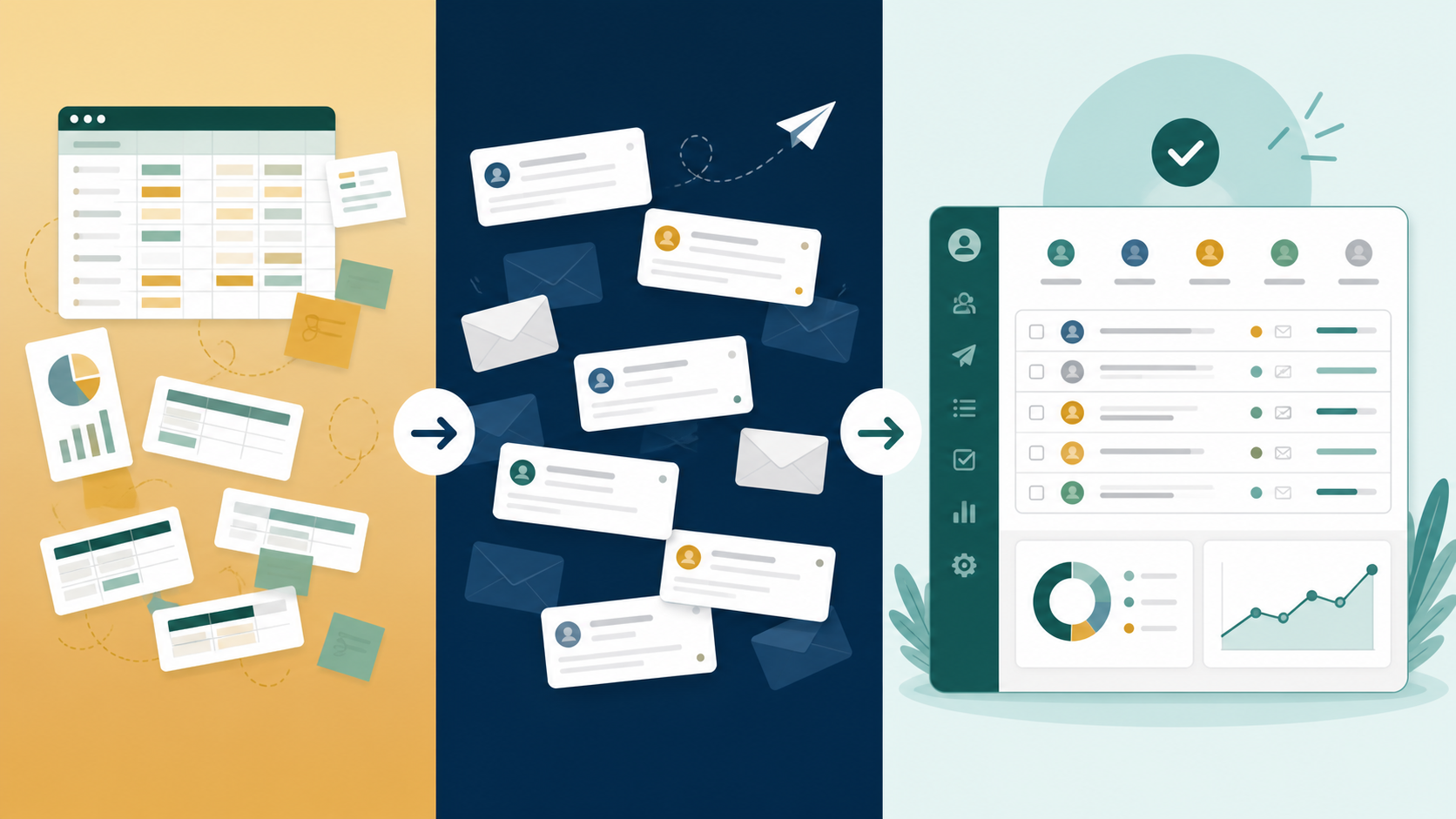
The six capabilities a lean team should demand
1. A clean contact and company model
Contacts should not be isolated email addresses. Keep the person, company, role, source, consent or lawful-basis notes, suppression state, and owner available in context. BuffSend’s customer database workflow is designed around this foundation.
2. Reply-aware campaign control
Automation must stop or change when a recipient replies, bounces, unsubscribes, or becomes invalid. A sequence that keeps sending after a meaningful reply creates an experience problem and a reputation risk. Ask vendors to demonstrate this behavior rather than accepting a feature label.
3. Deliverability visibility
The platform should help the operator check sender authentication, list quality, message risk, and provider-specific performance. Use the free email verifier, list hygiene checker, and DMARC checker before treating a campaign as ready to scale.

4. A usable pipeline after the reply
Outbound earns its keep when conversations become qualified next steps. A small team should be able to move a contact into a company record, create a deal, assign an owner, and schedule a task without copying information across systems. See the related company management, deal pipeline, and tasks and follow-up workflows.
5. Reports that trigger decisions
Do not choose a platform because it displays the most charts. You need to know which segment produced qualified replies, which sender created bounces, which campaign generated meetings, and which follow-ups remain overdue. A report is useful when it changes the next list, message, sender, or task.
6. A cost model you can explain
Compare the full operating cost: seats, contact data, credits, sender mailboxes, integrations, implementation time, and the cost of fixing bad data. A low monthly price is not low cost if the team loses hours reconciling tools or damages a valuable domain.
How to choose in one working session
- Write down the first business outcome: qualified replies, meetings, opportunities, or revenue.
- Map the current path from raw prospect data to the next human task.
- Mark every manual handoff, duplicate record, and point where automation can continue after a reply.
- Test one real segment with representative contacts. Do not accept a polished demo dataset as proof.
- Review the sender, verification, suppression, and reporting controls before importing a large list.
- Choose the smallest plan that can support a repeatable workflow, then document the upgrade trigger.
Where BuffSend fits
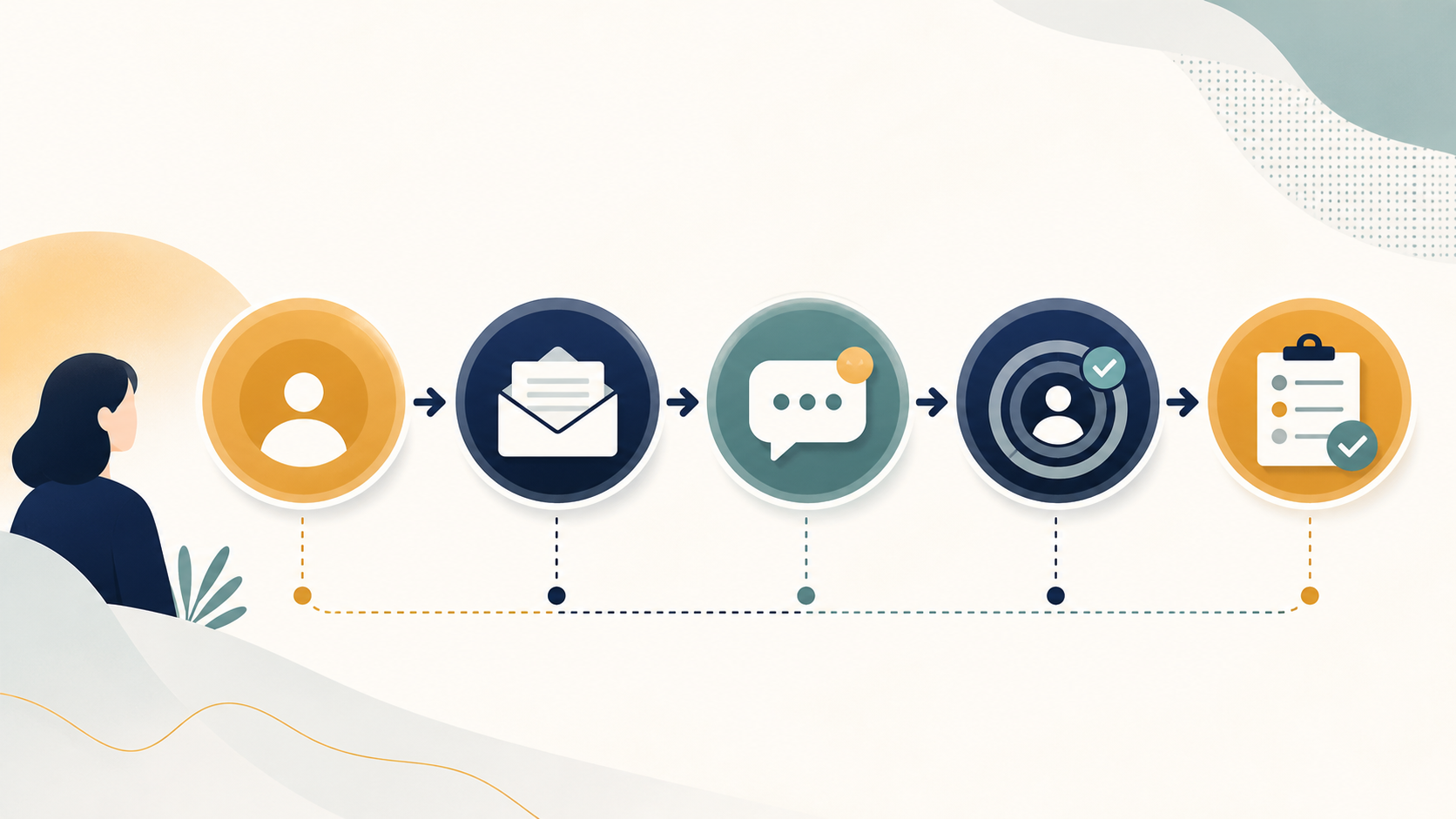
BuffSend is a practical fit when a founder or lean B2B team wants campaign operations and lightweight CRM in the same workspace. It is especially relevant when the team needs to organize contacts and companies, connect outreach to deals and tasks, and keep list quality and sender health visible before scaling.
It may not be the right choice for every organization. Teams with complex enterprise governance, extensive custom objects, or a large implementation department should evaluate enterprise platforms on those requirements. The goal is not to force every buyer into one tool; it is to make the workflow and tradeoffs clear enough to choose responsibly.
Try the outreach workspace free
FAQ
Is an email outreach CRM the same as a sales engagement platform?
They overlap, but the terms emphasize different centers of gravity. Sales engagement platforms usually focus on sequences and activity. An outreach CRM connects that activity to contact, company, pipeline, ownership, and follow-up context.
Should a small team start with a CRM or an email tool?
Start with the workflow that is currently breaking. If the team cannot keep track of replies, owners, and next steps, CRM context is urgent. If the pipeline is clear but sending is manual, a focused email tool may be enough initially.
How many tools should a lean sales team use?
Use as few systems as the workflow can support responsibly. Fewer tools reduce reconciliation, but one oversized platform can also add unnecessary administration. Measure handoffs and time-to-next-action rather than counting tools alone.
What should I test before moving my full list?
Test a representative segment, sender authentication, verification results, unsubscribe behavior, reply handling, suppression, ownership, and reporting. Prove the complete path with a small cohort before increasing volume.
Final recommendation
Choose the email outreach CRM that makes good behavior easy: clean data before sending, relevant messages, automatic stop conditions, visible ownership, and a clear next task after a reply. For many lean B2B teams, a focused workspace can produce more value than a larger system that requires a dedicated administrator. Start with one real workflow, measure the handoffs, and scale only after the team can explain what happened to every important prospect.